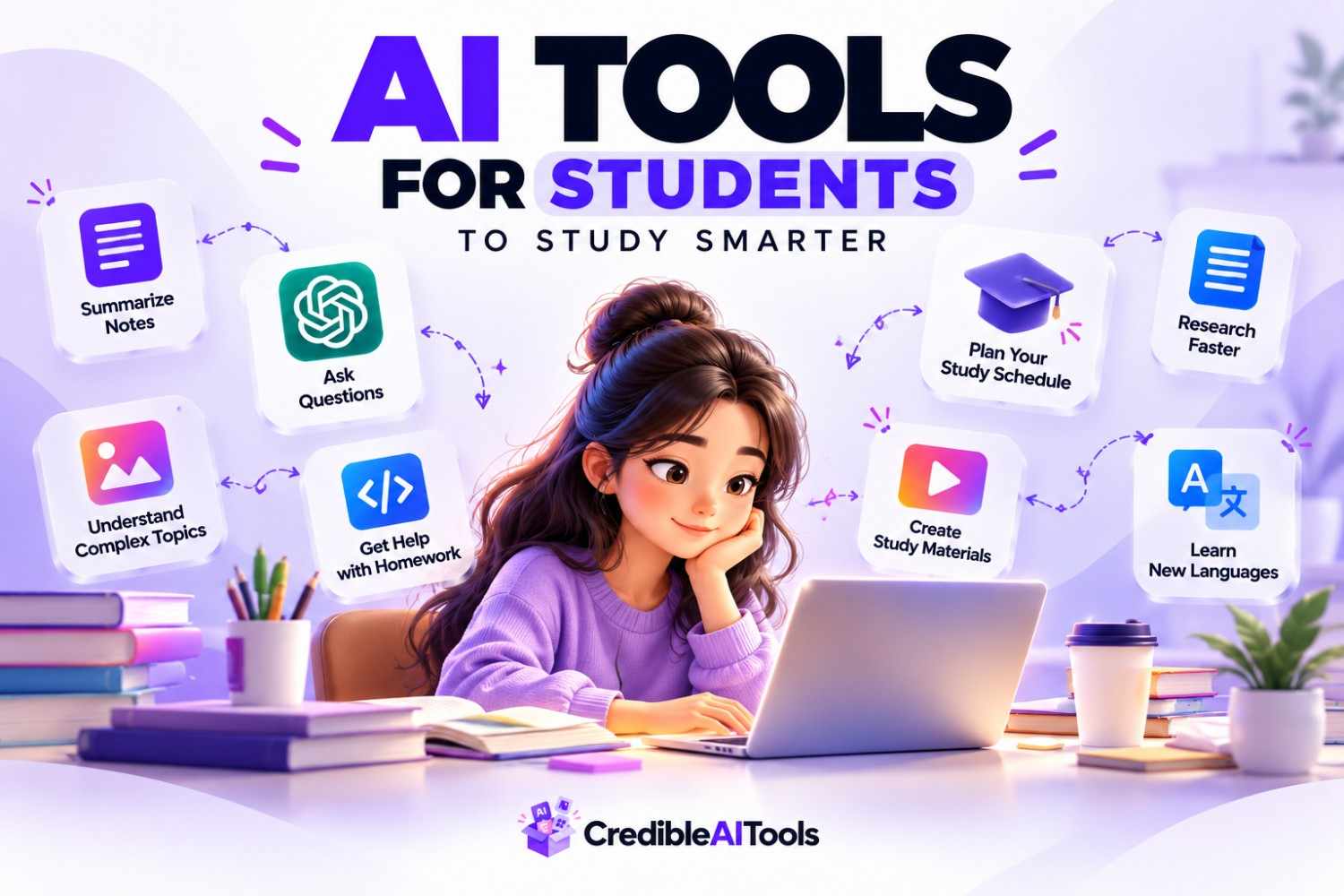
It's 1 AM. You've got three assignments due, a research paper you haven't started, and a stack of lecture notes that look like they were written in a different language — your own handwriting. Every student knows this feeling.
The all-nighters, the endless scrolling through PDFs, the panic before an exam — it doesn't have to be this way anymore. AI has quietly become the most powerful study partner a student can have: one that never gets tired, never judges your 2 AM questions, and can turn hours of grinding into minutes of clarity.
Why Students Are Turning to AI
Studying hasn't gotten any easier, even with more resources available than ever. If anything, students today are dealing with:
- Information overload — endless PDFs, slides, recorded lectures, and textbooks
- Time pressure — juggling classes, part-time jobs, assignments, and a social life
- Concept gaps — not everyone learns well from a single explanation in class
- Burnout — traditional methods like re-reading and highlighting are proven to be inefficient
"AI tools don't do the learning for you — they clear away the repetitive parts of studying so your energy goes into actually understanding the material."
1Study & Note-Taking
Good notes are the foundation of good grades — but taking them in real time while trying to actually listen? That's tough. These tools handle the heavy lifting.
📝
Notion AI — Plugs directly into your notes and workspace, turning long, messy pages into clean summaries, outlines, and ready-made study guides in seconds.
🎙️
Otter.ai — Records and transcribes lectures live, then auto-generates summaries and key points, so revising a 90-minute lecture takes five minutes.
🗂️
Quizlet AI — Converts raw notes into flashcards and adaptive quizzes, adjusting difficulty based on what you keep getting wrong.
2Research & Writing Help
Papers and essays eat up study time not because the writing is hard, but because starting is hard. These tools speed up research and writing without doing the thinking for you.
✍️
Grammarly — Catches tone, clarity, and structural issues in real time, so your writing sounds polished without losing your voice.
📚
Consensus — An AI search engine built for research that pulls synthesized, cited answers directly from peer-reviewed papers.
🔁
QuillBot — Paraphrases and restructures sentences while keeping meaning intact — genuinely useful for polishing a clunky draft.
3Math & Problem Solving
Staring at a problem for 40 minutes without progress is demoralizing. These tools show the how, not just the answer.
📐
Photomath — Point your camera at any math problem and get a step-by-step breakdown of the logic behind each move.
🧮
Wolfram Alpha — Solves advanced math, physics, and engineering problems with full working shown, not just a final number.
💬
ChatGPT — Re-explains a stuck concept five different ways until one finally clicks — patiently, and without judgment.
4Time Management & Planning
AI can't sit your exam for you, but it can make sure you never miss a deadline again — and that alone can save your semester.
📅
Motion — An AI calendar that automatically builds your study schedule around classes and deadlines, re-adjusting in real time.
✅
Todoist AI — Sorts your to-do list by what actually matters today, cutting through an overwhelming task list.
Free vs. Paid: What's Worth Paying For?
Not every tool needs a subscription. Here's the honest breakdown before you spend anything:
💸 Stick with free
✦Notion AI and Quizlet for notes and flashcards — the free tiers are generous enough for daily use
✦Photomath and Wolfram Alpha for math — free versions cover most coursework
✦Consensus and Todoist — free tiers handle typical student workloads fine
Worth upgrading only once you're using a tool daily and consistently hitting its free-tier limits — Grammarly Premium for heavy writers, or Motion for students juggling a packed, ever-changing schedule.
Your Weekly AI Study Routine
Having the tools is only half the equation — here's how to actually put them to work:
✅ A simple routine to follow
1
During class: let Otter.ai record and transcribe while you focus on listening, not writing.
2
After class: feed your notes into Notion AI or Quizlet to generate a summary and flashcards.
3
While writing: use Consensus for research, then Grammarly and QuillBot to polish your draft.
4
When stuck: turn to ChatGPT or Wolfram Alpha to re-explain a concept until it clicks.
5
Every week: let Motion or Todoist organize your workload so nothing sneaks up on you.
Do this consistently, and studying stops feeling like a fight against the clock — and starts feeling manageable.
Are You Building an AI Tool for Students?
If you're a founder building an AI tool that helps students learn, write, research, or manage their time better — we want to hear from you.
Getting listed on CredibleAITools.com means direct visibility to students actively searching for tools like yours, a quality backlink for your own SEO, and a featured spot in roundup posts like this one.
Submit your AI tool to CredibleAITools.com →